


Free · no signup · no watermark
Free background remover.
Erase the background from any image, then leave it transparent or drop in a new one.
Drop an image here
or paste one, or pick it from your device
1 free removals a day, no account needed
What comes back
portrait.png

- Edges
- hair and fur too
- Returns
- transparent PNG
- Watermark
- none
Swap in a colour or a new background after
Usually about four seconds. A little longer if the service has been idle.
Bulk removal runs every image at once and hands back a ZIP. It is a Pro feature — pick one to remove now, or upgrade to run them all.
By using this tool you agree to our Terms of Service and Privacy Policy.
- No watermark
- No signup to try
- Files deleted after processing
- Transparent PNG out
The full-size cutout is the free one.
Drop a photo in and a transparent PNG comes back in a few seconds — hair, fur and glass edges included, at the size you uploaded. No account to try it, and no watermark on the way out.
Hair, fur and glass edges
No credits to spend
Out as PNG, JPG or WebP
Same pixels you uploaded
Where it gets used
Four jobs that need the background gone
Each of these has a rule attached, and it is usually the rule rather than the photograph that sends people looking for a cutout.
Product listings
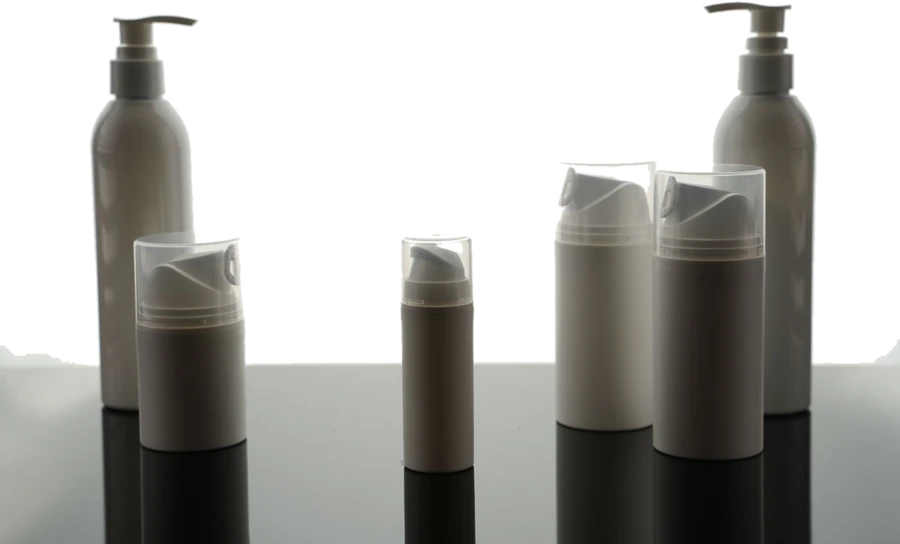
Amazon wants the main image on pure white with the product filling most of the frame, and a marketplace will reject a listing over a grey studio wall. Cut the product out, drop white behind it, and the same cutout still works on Etsy, Shopify and eBay.
Ads and decks
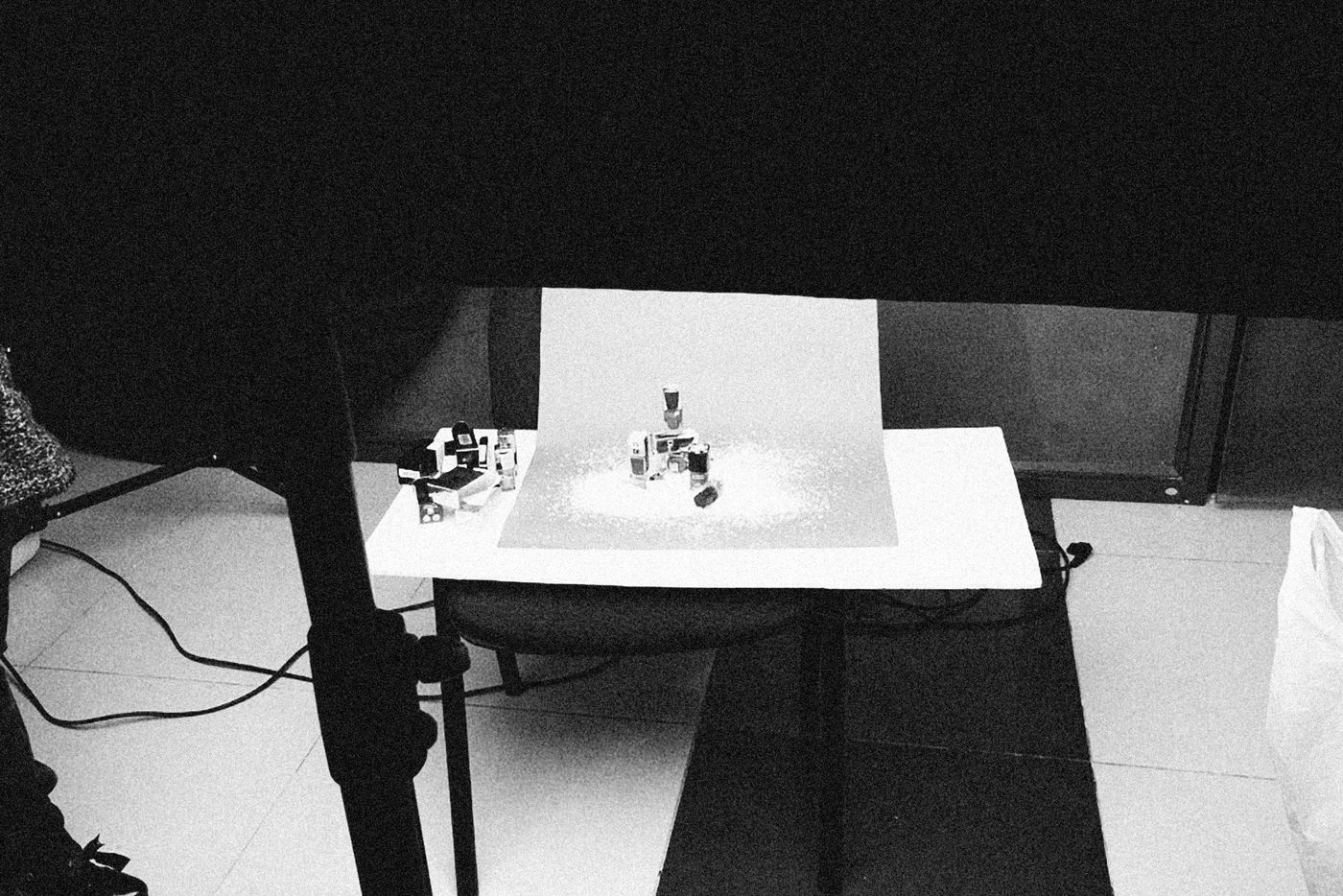
One cutout goes on every brand colour you own. A photo with its background still attached has to be re-cropped for each placement, and the white box around it shows up the moment the layout is not white.

Thumbnails
The look every YouTube thumbnail is copying is a person cut out and laid over a flat colour, with the head breaking the edge of the frame. That is a cutout and a background, and this is the first half of it.
Dark mode
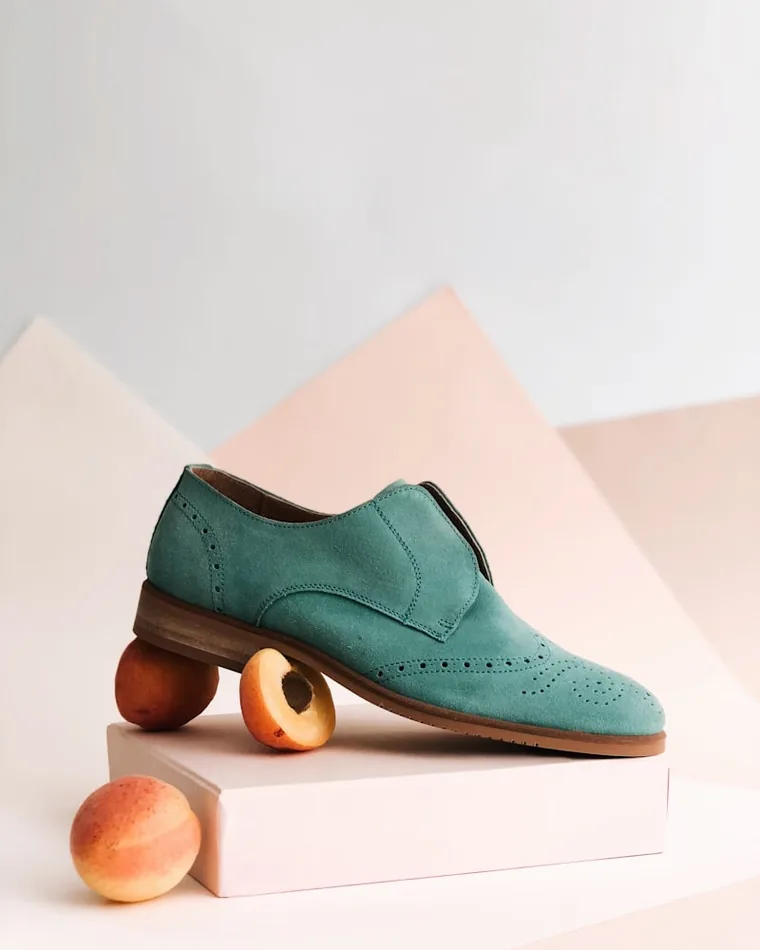
A JPG of a team photo on a white studio wall is a white rectangle the moment the site switches to dark. A transparent PNG has no rectangle to show, so the same headshot works in both themes and nobody has to shoot it twice.

Upload Your Image
Four ways in, and none of them need an account:
- Drop it on the page. Anywhere on the box above. JPG, PNG or WebP, up to 5 MB signed out and more on a free or paid plan.
- Paste it. Ctrl+V a screenshot straight from the clipboard, without saving it to disk first.
- Give it a URL. Paste the address of an image that is already online and it is fetched for you.
- Try one of ours. If you would rather see the result before handing over your own photo, the sample images are one click.
AI Processing & Background Detection
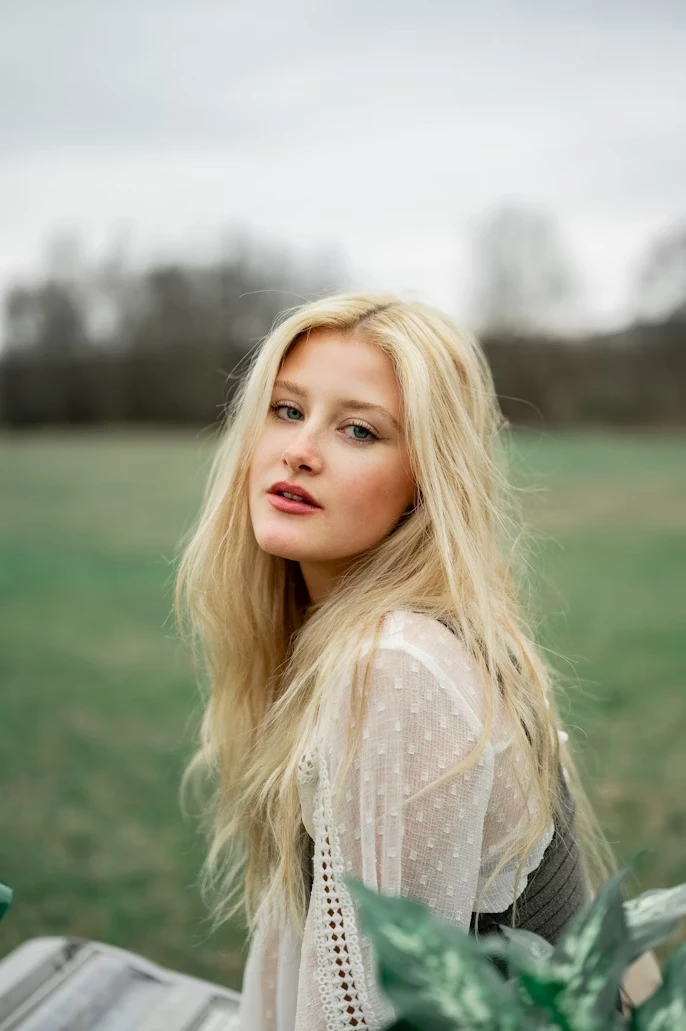
The image goes to the model, which works out what the subject is and where it ends:
- It finds the subject on its own. Person, product, animal or object — there is nothing to trace, click or mask, and no brush to learn.
- The edge is where these tools fail. Flyaway hair, fur, a glass rim and the gaps between fingers are the cases worth checking, so check those first.
- Partly see-through stays partly see-through. The cutout carries a real alpha channel rather than a hard on-or-off cut, which is what stops a fringe turning into a jagged outline against a new background.
Download it
No preview to upgrade past. What you see is the file:
- Full resolution, no watermark. The same pixel dimensions you uploaded, on every plan including no plan at all.
- PNG, JPG or WebP. PNG keeps the transparency. Pick JPG or WebP and you choose what sits behind the subject first — a colour, a gradient or a photo.
- Download it before you close the tab. The result is held for about ten minutes and then deleted, so it is not somewhere to store work.
When a cutout comes out wrong
Most photographs need none of this. These are the three things that explain almost every disappointing result, and two of them you can fix by re-shooting.
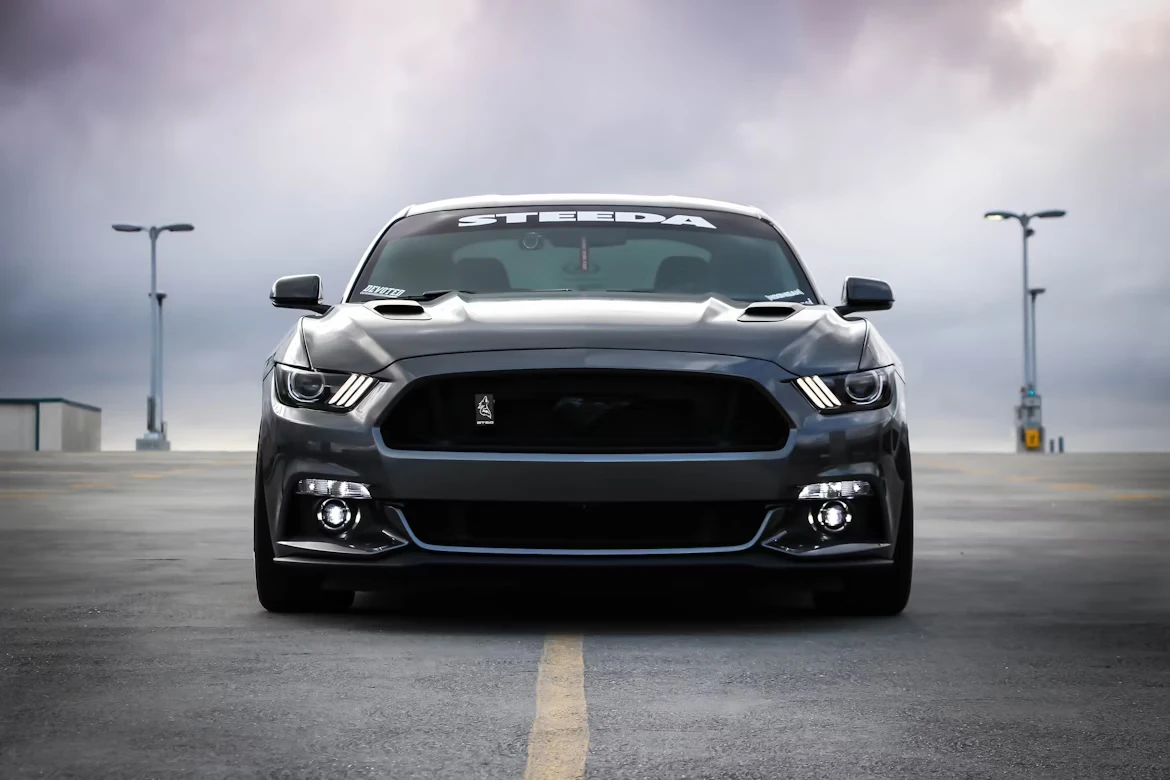
Use High-Quality Images
Upload images with at least 1080p resolution for optimal edge detection. Higher resolution provides more pixel data for precise AI analysis.
- • Minimum 1920x1080 resolution recommended
- • Avoid heavily compressed or blurry images
- • Original quality files work best
Ensure Good Lighting
Well-lit images with good contrast between subject and background produce cleaner cuts. Avoid shadows or low-light conditions that blur edges.
- • Use natural or bright artificial lighting
- • Ensure clear contrast with background
- • Minimize harsh shadows on subject
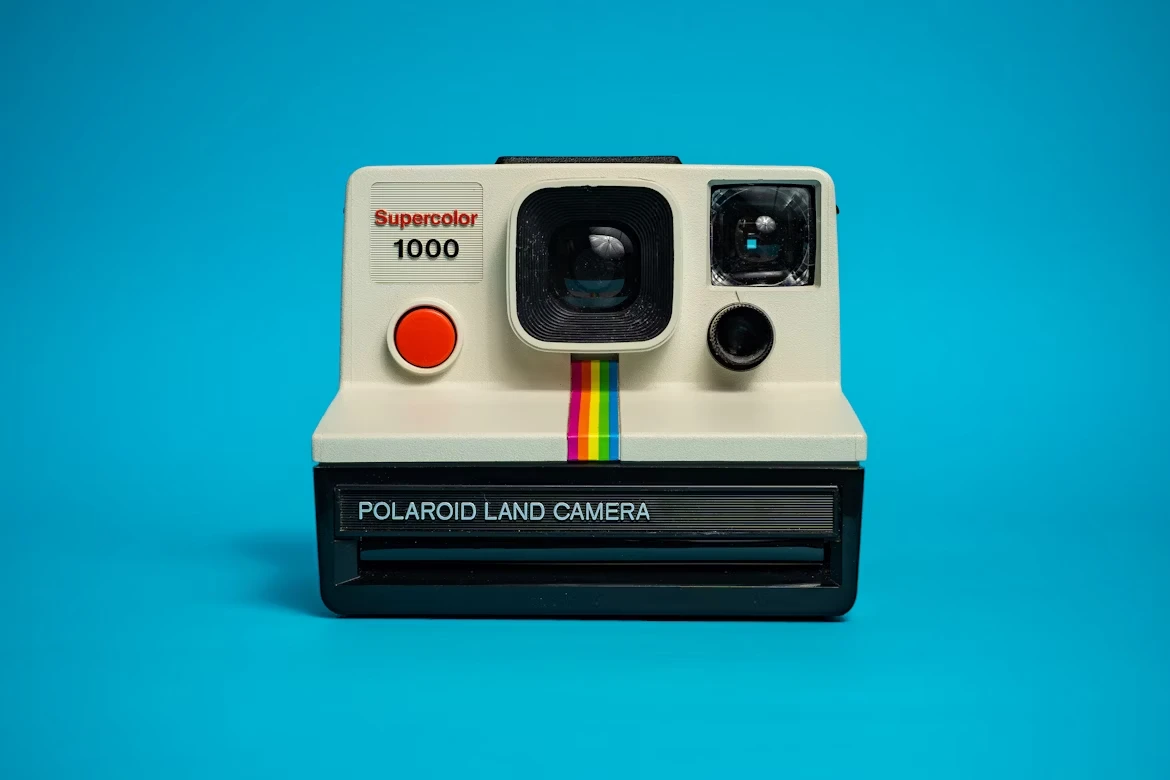
Watch for subject and background matching
A busy background is not the problem — the model is built for those. The hard case is a subject the same colour and brightness as whatever is behind it, because then there is no edge to find.
- • A white shirt against a white wall
- • Dark hair against a dark room
- • Motion blur, which softens the edge itself
 Plus
Plus
Drop a whole folder in and get one ZIP back. Every file that fails is named and counted rather than quietly dropped, so you know what to redo.
Explore bulk uploadChain the cutout with a resize, a convert and a compress, then run the whole chain over a folder at once and get one ZIP back. Every step except the cutout runs on your own machine.
Explore workflowsPOST an image to the API and a transparent PNG comes back. No SDK to install and no connector to keep alive — put it in the step where your files already arrive.
Read the API docsWorks in the browser on iPhone, Android, Mac, Windows and Linux — the same tool and the same output on all of them. Nothing to install and no app store.
How it works on mobile