


For personal photos
Take yourself out of the background.
A profile picture, a sticker, an invitation. Free, in your browser, and never watermarked.

- No watermark
- No signup to try
- 2 free files a day
- Up to 15 MB a file
- Files deleted after processing
What it is usually for
Three jobs, three sizes
Every one of these sizes is a preset in the resizer, so the cutout and the crop take one session.
- A profile picture
- Cut yourself out, drop in a plain colour, and the crop stops fighting the wallpaper behind you.
- A sticker or a cutout
- A transparent PNG drops onto any chat, slide or poster without a white box around it.
- An invitation or a card
- Put the person on the paper stock rather than in the kitchen they were photographed in.
Start to finish
Three steps, about a minute
Nothing to install and no account needed for the first one.
-
Step 01 photo.jpg
Drop the photo in
JPG, PNG or WebP, straight from your phone or your desktop.
-
Step 02 cutting
The background goes
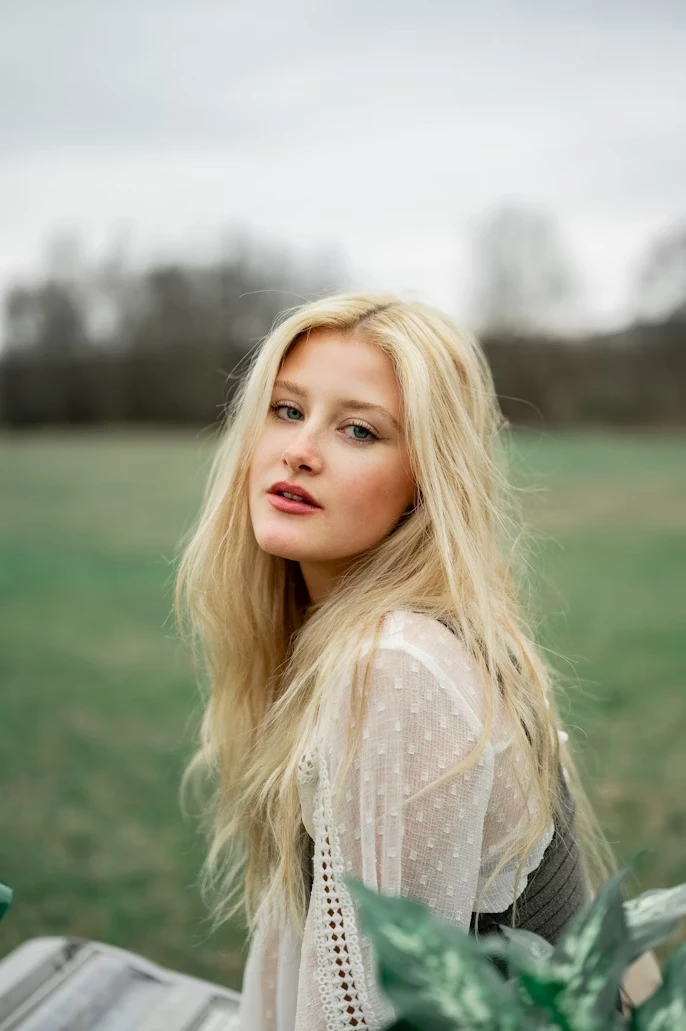
Edges are cut at the hair, not at a rectangle around your head.
-
Step 03 photo.png
Keep it, or fill it
Download the transparent PNG, or drop a colour behind it first.
Straight answers
Where it shines, where it strains
Try it on the awkward photo first. It costs nothing and you will know in a few seconds.
- A person against a busy room
- Handled well. This is the case the model is trained hardest on, hair included.
- Fur, feathers and flyaway hair
- Usually kept. Strong backlight through fine hair is the case worth checking at full size.
- Glass, smoke and reflections
- The hard case for any cutout tool. Semi-transparent areas come back solid more often than not.
- Video
- Not supported. Every tool here works on still images.
Try it on one photo
No account, no watermark, and the file is deleted after it is processed.
What people come here to do