


For marketing teams
One cutout, every placement.
Cut the subject once. Drop it on any brand colour, at any size a channel asks for.
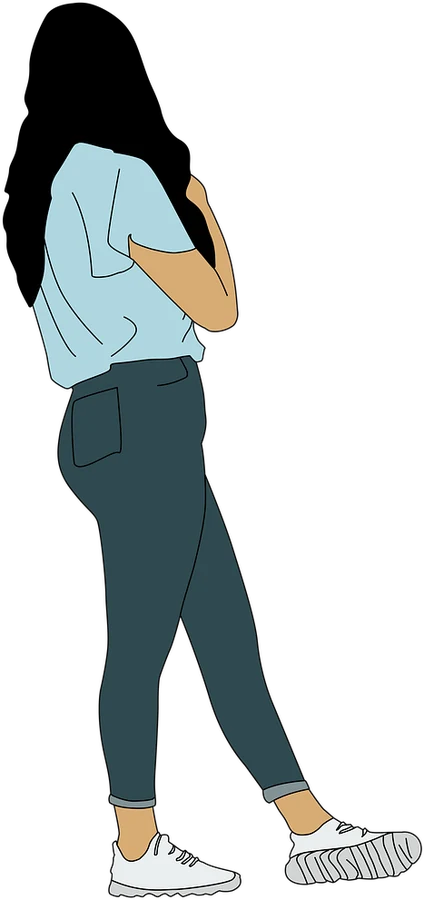
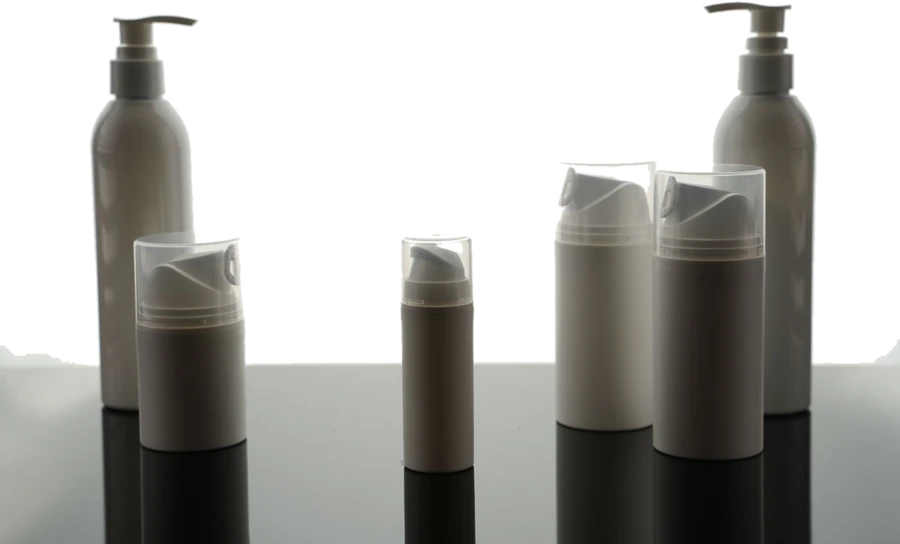
One file, four frames
The same PNG, doing four jobs
Drawn at true ratio. The background is whatever the placement needs, decided after the cut.
Reference
The sizes each channel asks for
Every row here is a preset in the resizer, so you never have to type the numbers.
| Placement | Pixels | Ratio | Wants a cutout when |
|---|---|---|---|
| Square post | 1080 × 1080 | 1:1 | The product has to sit on the brand colour |
| Story or reel | 1080 × 1920 | 9:16 | A landscape shot has to fill a portrait frame |
| Link preview | 1200 × 630 | 1.91:1 | Type has to sit beside the subject, not over it |
| Video thumbnail | 1280 × 720 | 16:9 | A face has to read at the size of a thumbnail |
| Portrait post | 1080 × 1350 | 4:5 | The feed crop keeps eating the top of the shot |
Open the resizer · or set any width and height you like
The reason it is a PNG
A rebrand becomes a colour change
Once the subject is cut, the background is a decision you make per placement rather than a fact baked into the file. The same asset runs on the campaign colour this quarter and the next one without going back to the shoot.
See workflows
One file · four grounds · no reshoot
Cut the hero asset once
Then let the resizer produce the rest of the set. Both are free to try, with no watermark.
What people come here to do