A 40-page paper set in 10-point type with one-inch margins is readable on paper and miserable on a tablet, because the screen scales the white space along with the words. A batch of scans from the office multifunction has a black band down one edge and a grey wedge where the lid did not close flat. Both are cropping jobs, and both come down to four numbers per page, numbers that behave in a way that surprises people, especially anyone cropping to hide something.
The five page boxes
A PDF page carries up to five rectangles, each written as [llx lly urx ury] in points, 1 point is 1/72 inch, origin bottom-left. US Letter is [0 0 612 792]; A4 is [0 0 595 842].
| Box | What it defines | Required | Default if absent |
|---|---|---|---|
| MediaBox | The physical sheet the page is imaged onto, the outer limit | Yes | None; it must be there |
| CropBox | The region a viewer displays and prints | No | Same as MediaBox |
| BleedBox | The clipping region for production, extending past the trim | No | Same as CropBox |
| TrimBox | The finished page size after trimming | No | Same as CropBox |
| ArtBox | The extent of the meaningful content or artwork | No | Same as CropBox |
Those defaults come from the PDF Association's Arlington model of the page object, which also records that MediaBox and CropBox are inheritable from the page tree while the three production boxes are not. The MediaBox is the largest box; define another one larger and viewers fall back to the MediaBox values.
Only the first two matter for everyday work. The rest matter to a commercial printer, PDF/X-4 requires a TrimBox or an ArtBox alongside the MediaBox.
Cropping hides content, it does not delete it
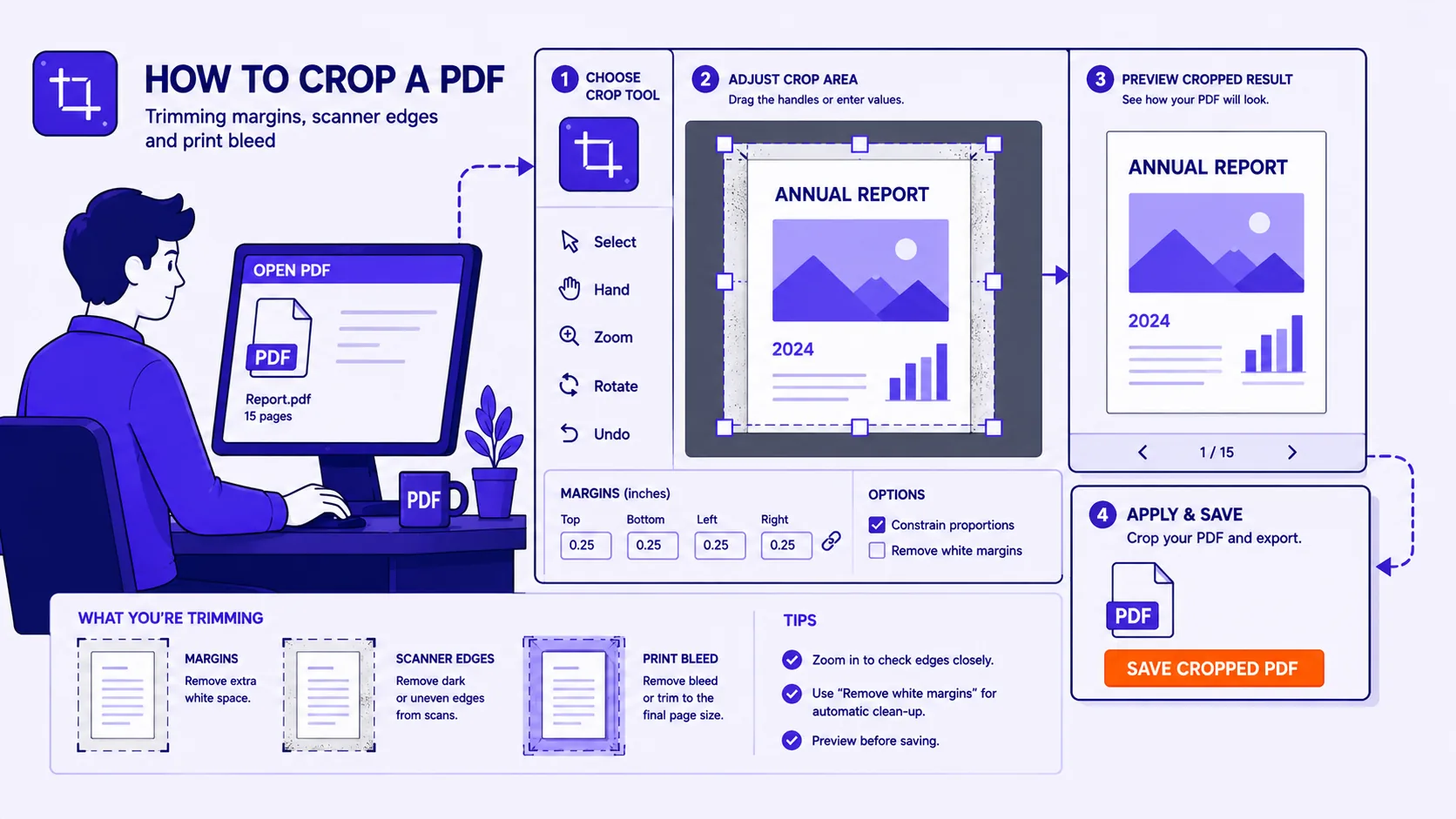
When you crop a PDF in almost any tool, you are editing the CropBox. The page content stream is untouched. Adobe states it plainly in the Acrobat documentation: "Cropping does not reduce file size because information is merely hidden, not discarded", and the same dialog offers a Set To Zero button that restores the page to its original condition.
We measured this in a sandbox. A three-page US Letter document was built with a running header reading "CONFIDENTIAL DRAFT", a footer page number, and a marker string in the left margin. Setting the CropBox to [72 60 540 740] left page one's content stream at 3,209 bytes with a SHA-256 hash identical to the original's. pdftotext on the cropped file still returned the header on all three pages and every margin marker. Resetting the CropBox to the MediaBox and rendering page one at 100 dpi gave an 850 x 1100 pixel image whose raw pixel data hashed identically to a render of the untouched original.
Cropping is not redaction. A crop over a signature, a home address or a salary column can be undone by anyone who resets one number, and the text stays extractable by copy-paste, search indexers and any script that reads the page.
If the goal is removing content, do one of these instead:
- Redact with a tool that deletes the underlying objects, then sanitise to clear metadata and remnants.
- Rasterise, render the page to an image at the crop, then rebuild the PDF from that image. The discarded pixels are gone, at the cost of selectable text.
- Delete whole pages rather than hiding part of one.
For anything genuinely sensitive, medical records, contracts, ID scans, a tool that processes files in your browser instead of uploading them removes one more place the original can sit.
Trimming margins for a tablet or e-reader
This is the transformative use. A Letter page with one-inch margins carries a text block of 468 x 648 points. Trimming 72 points from each edge cuts the area from 484,704 to 303,264 square points, about 63 percent of the original, and on a fixed-width screen the text renders 612/468 = 1.31 times larger. That is roughly the difference between squinting and reading.
- Judge the crop on page 3 or 4, not page 1, first pages carry titles and author blocks that sit closer to the edge than the body text does.
- Measure the real text block. In Acrobat's Set Page Boxes dialog, Remove White Margins crops to the artwork boundary automatically; check its result rather than trusting it.
- Leave 6 to 12 points of slack per side. A crop flush to the glyph edges clips descenders, superscripts and wide equations.
- Apply to all pages, then page through looking for tables and figures that break the crop.
- In the Qikks PDF cropper the box is stored as a proportion of each page rather than a fixed measurement, so one crop applies sensibly across pages of different sizes, and the page grid lets you exclude the ones that need different treatment.
Scanner edges, black borders and skew
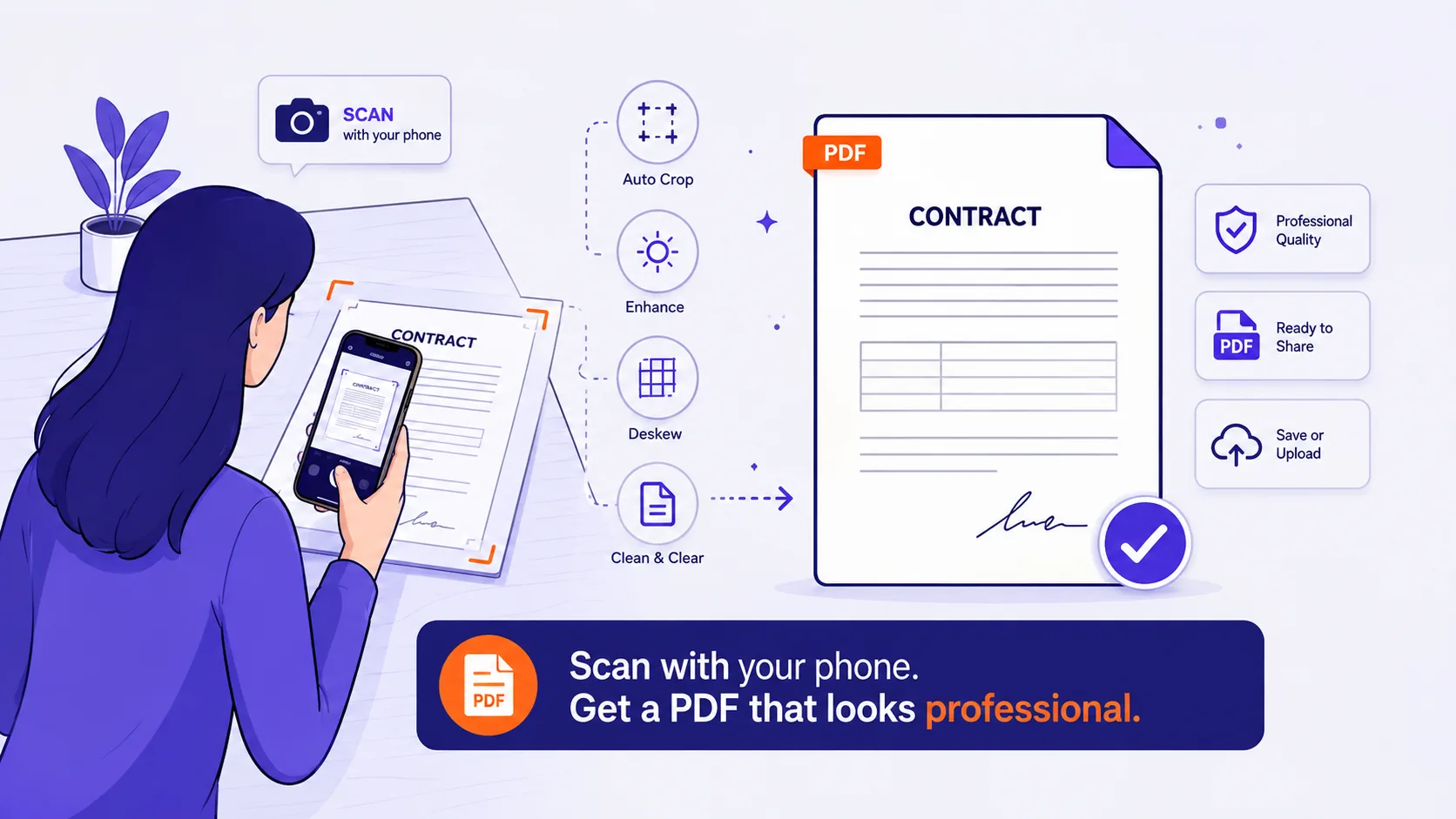
Scanner artefacts are usually asymmetric: a black band at the platen edge, a grey shadow along the spine, speckle from the sheet feeder.
- Deskew first. Cropping a skewed page forces you to crop to its worst corner, losing far more than necessary.
- Find the worst page and crop to that. A crop tight enough for page 12 will amputate page 40.
- Watch for pages scanned upside down or at 90 degrees. A
/Rotatevalue means the rectangle you drag is applied in the rotated coordinate space, check those pages specifically. - If the black border is on only some pages, crop those separately rather than punishing the whole document.
One page, all pages, and mirrored margins
Books typeset for duplex printing have mirrored margins: a wide gutter on the inside edge, left on recto pages and right on verso pages. A single symmetric crop either leaves a fat white strip on alternating pages or eats the text on them.
Handle it as two passes. Crop the odd pages with the wide margin on the left, then the even pages with the wide margin on the right, using the same total width so both sets end up identical in size. Any tool with page selection does this: select the odd pages, crop, invert the selection, repeat with mirrored values. If the two sets differ in size, e-readers rescale each page independently and the type size jumps between spreads.
Cropping to a print size and adding bleed
For a commercial printer, the numbers to set are TrimBox and BleedBox, not CropBox. Say the finished piece is 5 x 7 inches, or 360 x 504 points. US print shops commonly ask for 0.125 inches of bleed on all four sides; European work usually asks for 3 mm, and prepress references put the BleedBox 3 to 5 mm larger than the TrimBox.
| Setting | Points | Inches |
|---|---|---|
| Bleed allowance per edge (US) | 9 | 0.125 |
| Bleed allowance per edge (EU 3 mm) | 8.5 | 0.118 |
| TrimBox for a 5 x 7 piece | 360 x 504 | 5 x 7 |
| BleedBox with 9 pt bleed | 378 x 522 | 5.25 x 7.25 |
The MediaBox must be at least as large as the BleedBox, larger still if crop marks sit outside it. Critically, artwork has to exist out to the BleedBox, setting a bigger box does not create image where there was none. If the background does not already run past the trim line, fix the source file, not the PDF.
Printing, page numbers and file size
Printing. Viewers print the CropBox. Send a 468 x 648 point cropped page to a Letter printer with "Fit" or "Shrink oversized pages" selected and the driver scales it up to fill the sheet, fine on a reprint, wrong for a proof. Choose Actual Size or 100 percent scaling when dimensions matter.
Page numbers. Footers and running heads are the first casualties of an aggressive trim. If you need the numbers, set the bottom of the crop below the footer baseline rather than at the last line of body text, even if that leaves 20 points of white.
File size. Cropping essentially never shrinks a file. In the sandbox, a single-page Letter PDF containing a full-page scanned image measured 3,621,672 bytes. Cropping it to 372 x 552 points, 42 percent of the original area, gave a file of 3,621,274 bytes: 398 bytes saved, 0.01 percent. The JPEG is still whole inside the file; only the window onto it changed.
To reclaim the space, rebuild the content at the crop. Rendering that cropped page at 150 dpi and rebuilding it as a JPEG-backed PDF produced 149,490 bytes, about 24 times smaller, at the cost of the text layer. On a text document, flattening went the other way, 3,087 bytes became 14,850 once fonts were re-embedded, but the margin text was genuinely gone, which is the real reason to do it.
Before you send a cropped PDF
- Reset the CropBox once and look at what reappears. That is what the recipient can see too.
- Confirm the page count and page sizes are consistent across the document.
- Check pages with landscape tables, fold-outs and full-bleed figures individually.
- Print one page at Actual Size if the physical dimensions matter.
- If you cropped to hide something, stop and redact it properly instead.