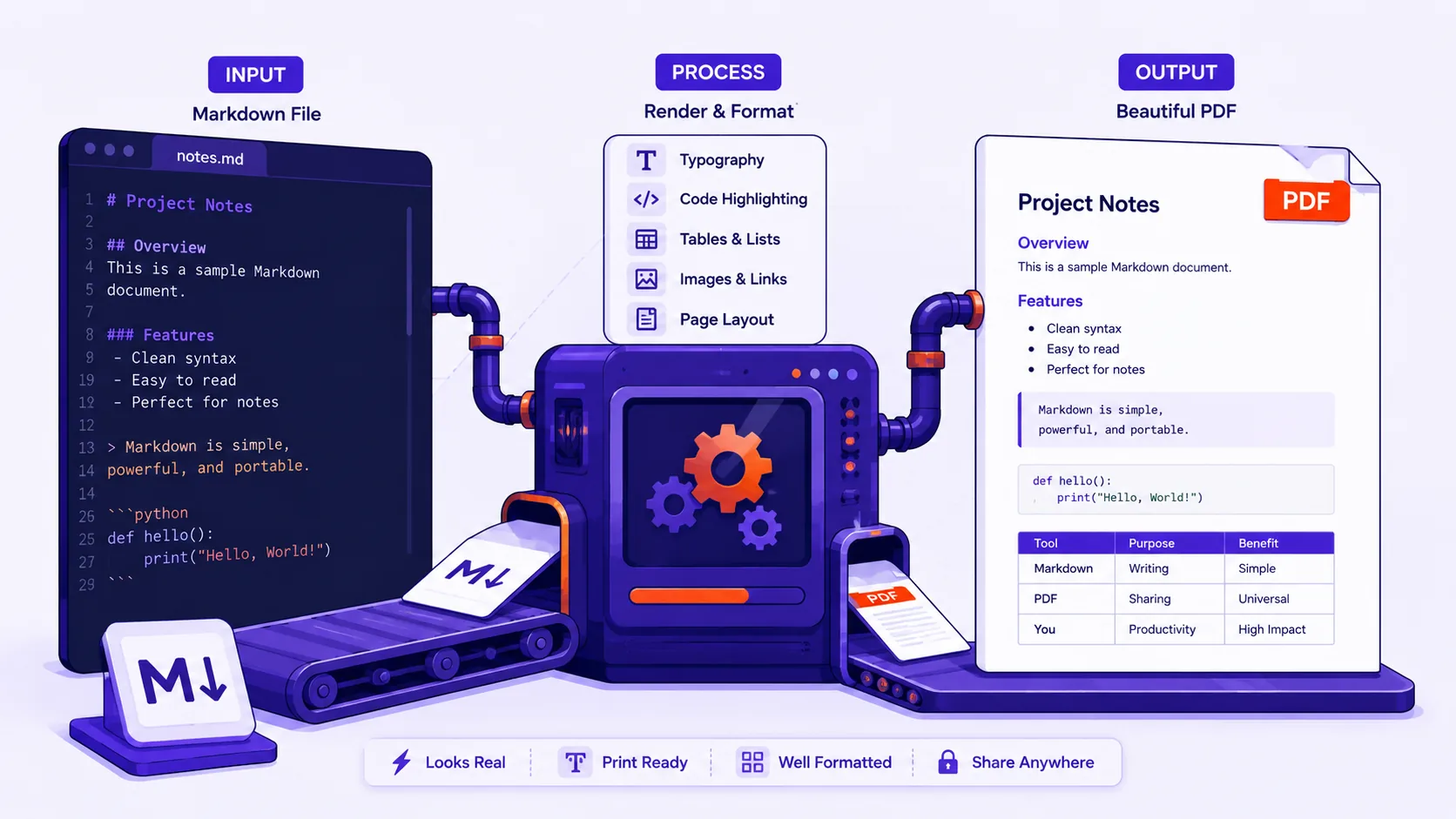
How to Turn Markdown Into a PDF That Looks Like a Real Document
Markdown has no page size, no margins and no page breaks, which is why exported PDFs clip code, cut off tables and strand headings — here is the fix for each failure.
Images 9
Writing
discover articles and insights related to pdf
Markdown has no page size, no margins and no page breaks, which is why exported PDFs clip code, cut off tables and strand headings — here is the fix for each failure.
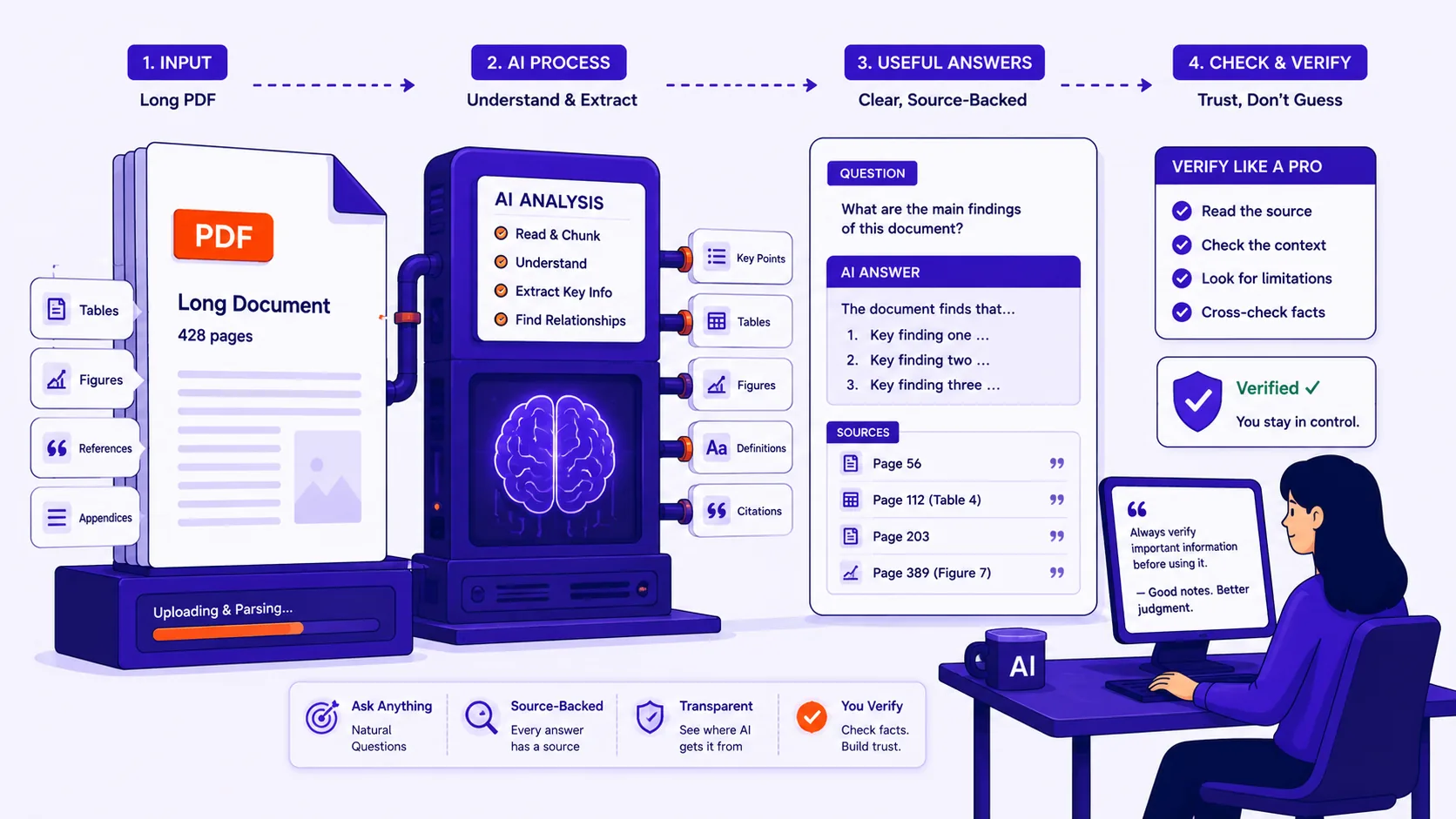
What AI document Q&A reliably does well on a 200-page PDF, where it quietly fails, and the handful of habits that let you verify every answer before you act on it.
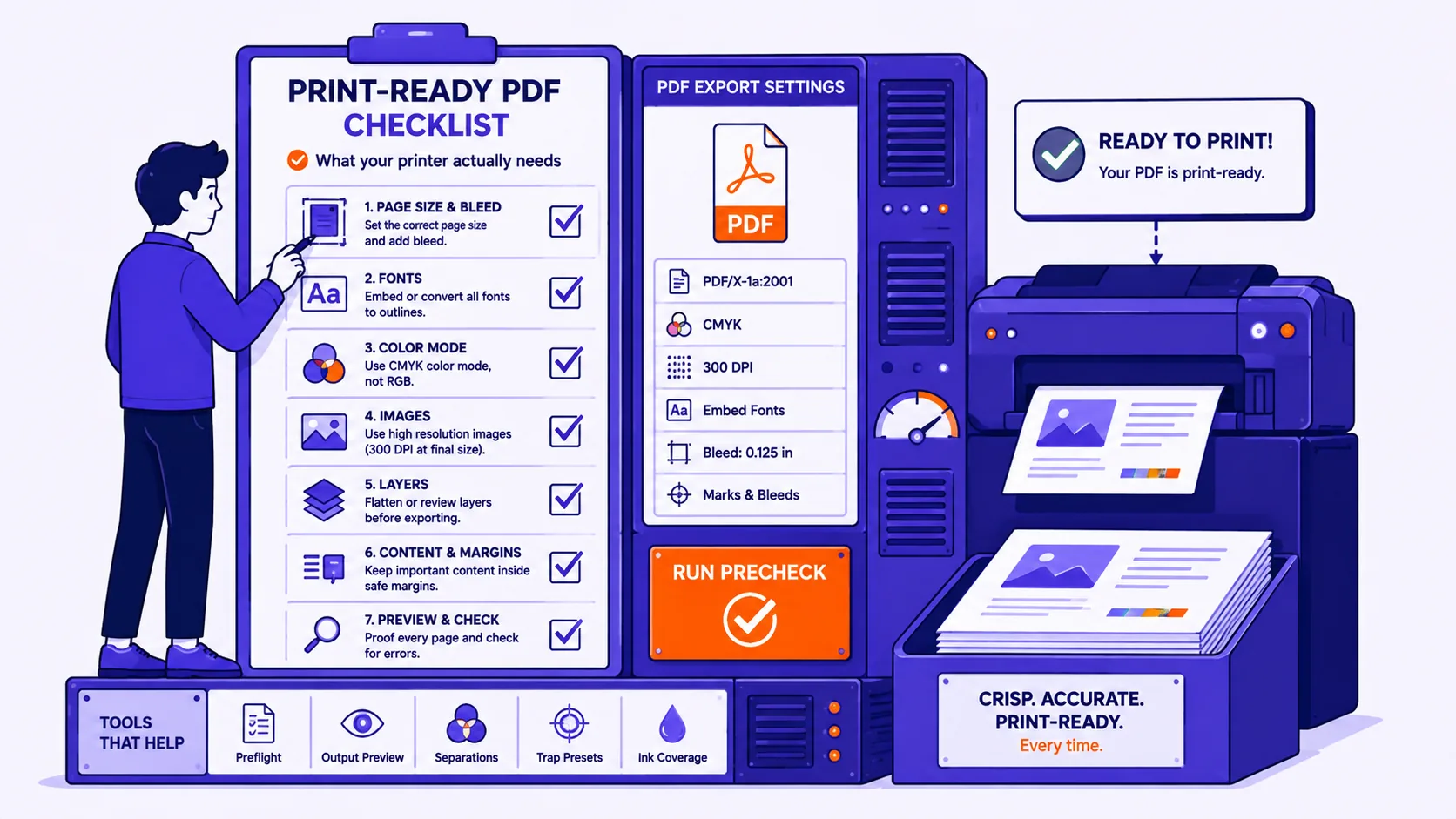
The specific settings — PDF/X version, bleed, ink limit, resolution, fonts, overprint — that decide whether prepress accepts your file or bounces it back.
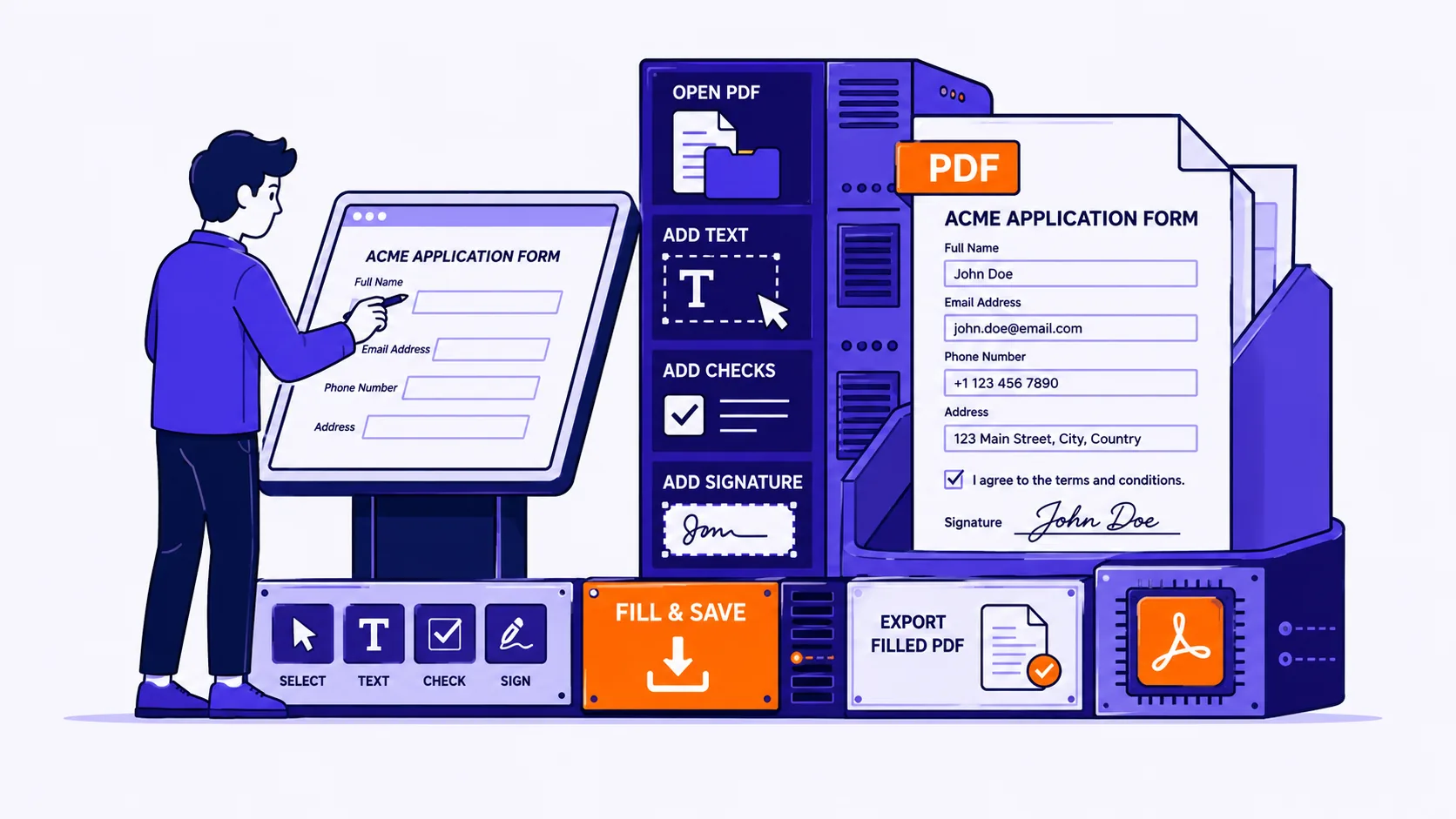
If clicking the blank lines does nothing, the file is either an XFA form your viewer cannot render or a flat page with no fields at all — here is how to tell, and how to type on it so it looks intentional.
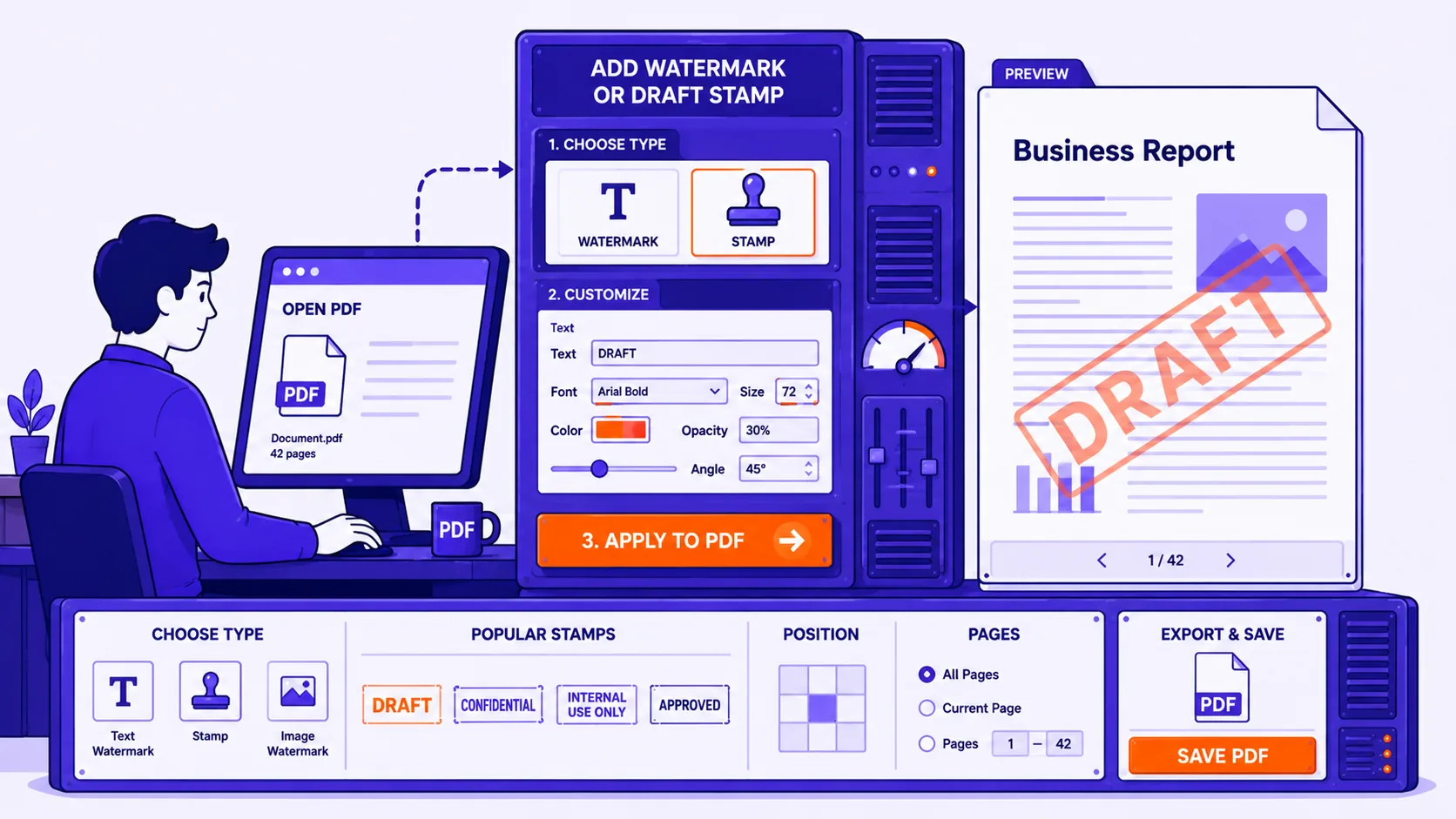
Choosing the right watermark settings for drafts, confidential files, proofs and per-recipient tracing — and being honest about what a watermark can and cannot stop.
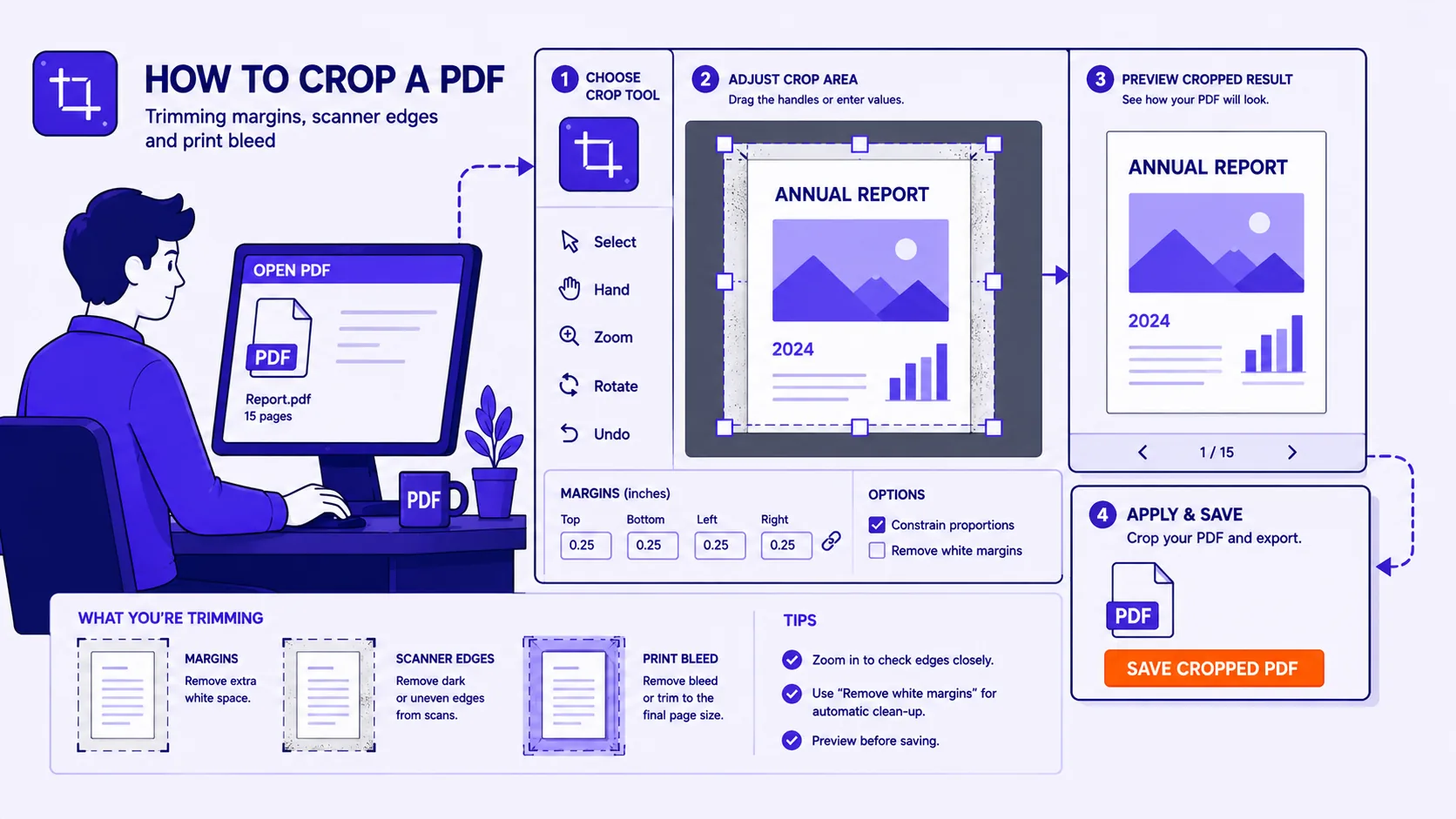
What the five PDF page boxes actually do, why cropping hides content instead of deleting it, and the exact procedures for margins, scans and print bleed.
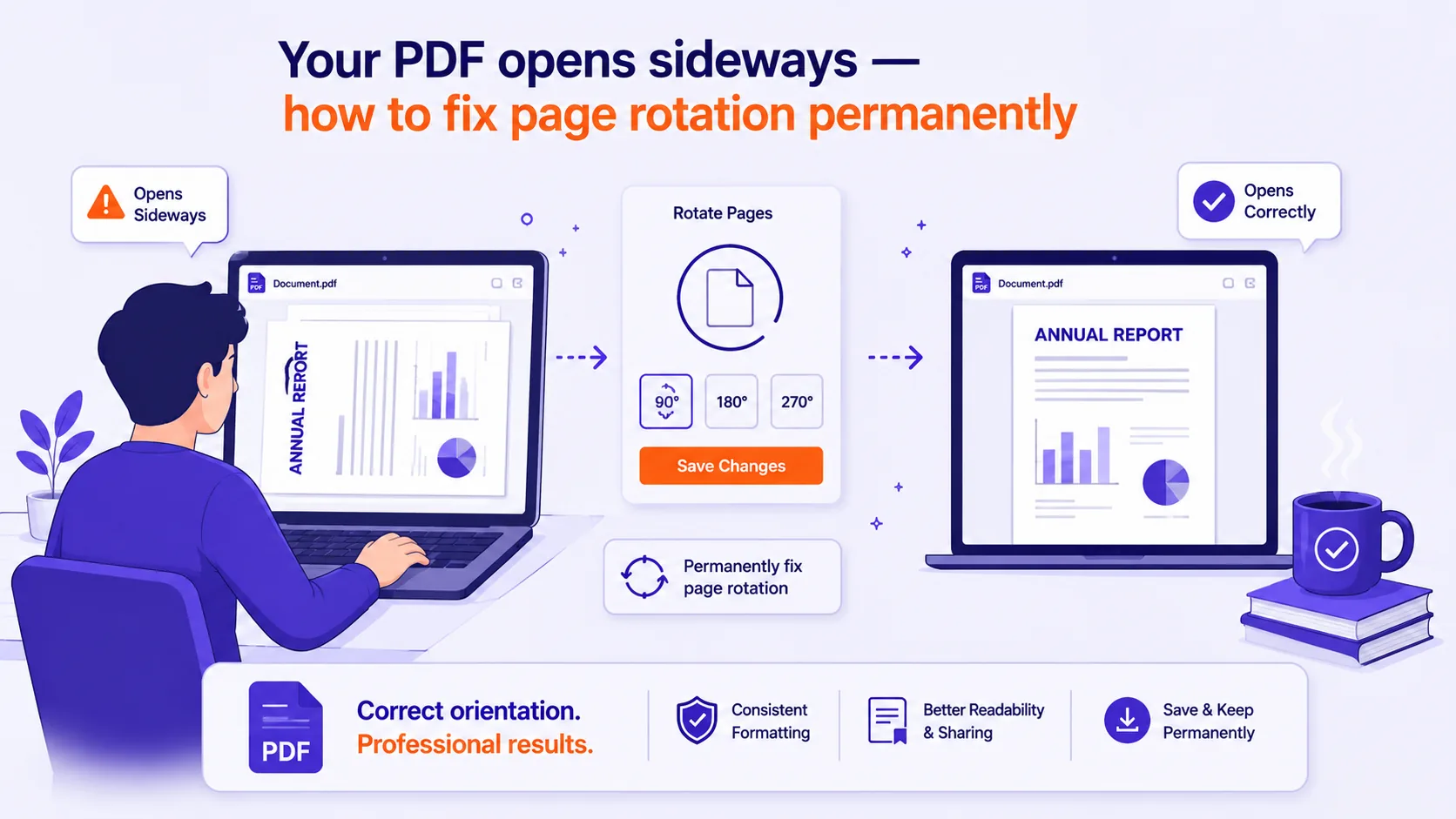
Most viewers have a rotate button that only turns your screen
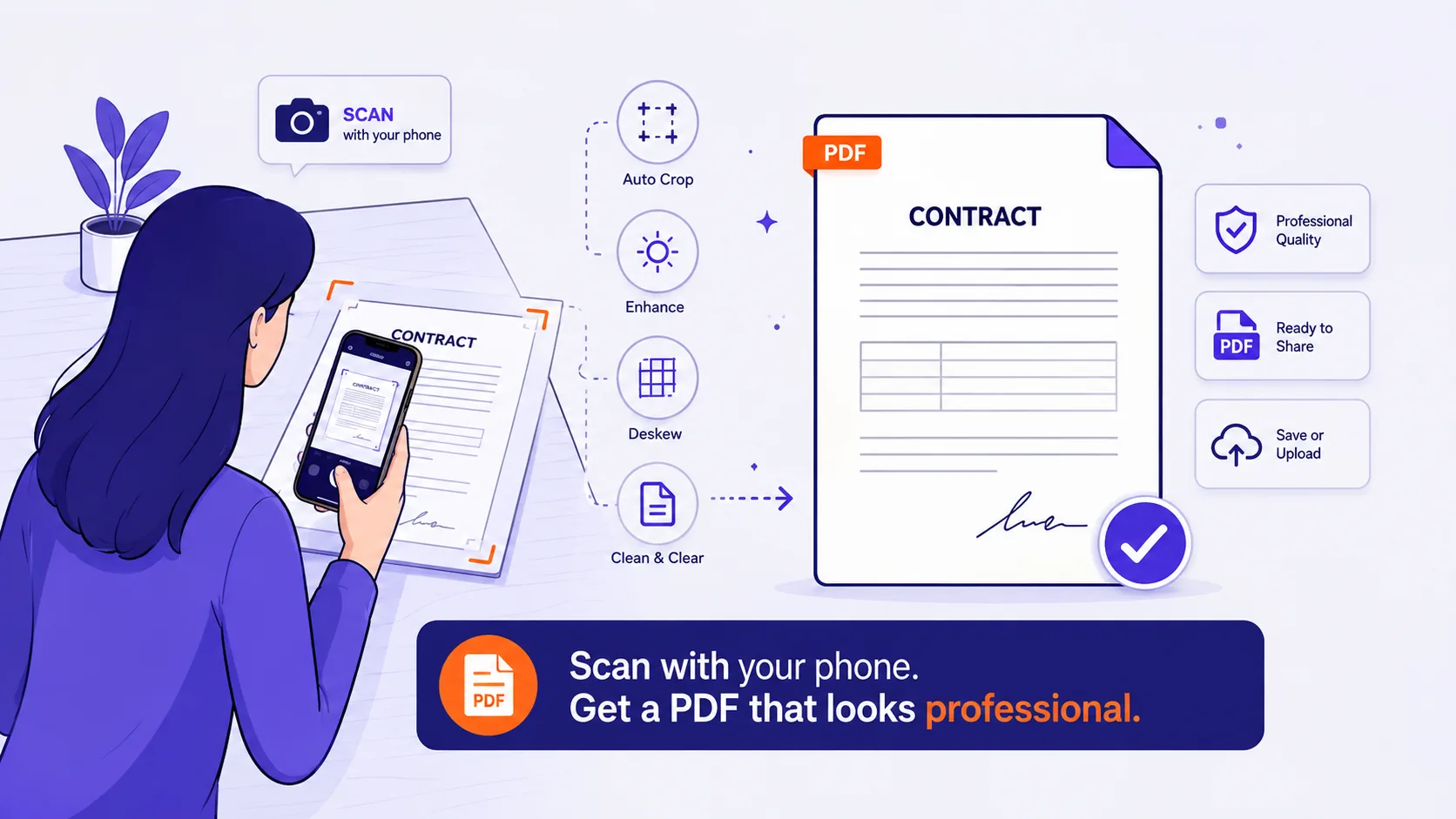
The lighting, background and assembly steps that turn a phone photo of a page into a single clean PDF instead of fourteen crooked JPEGs.
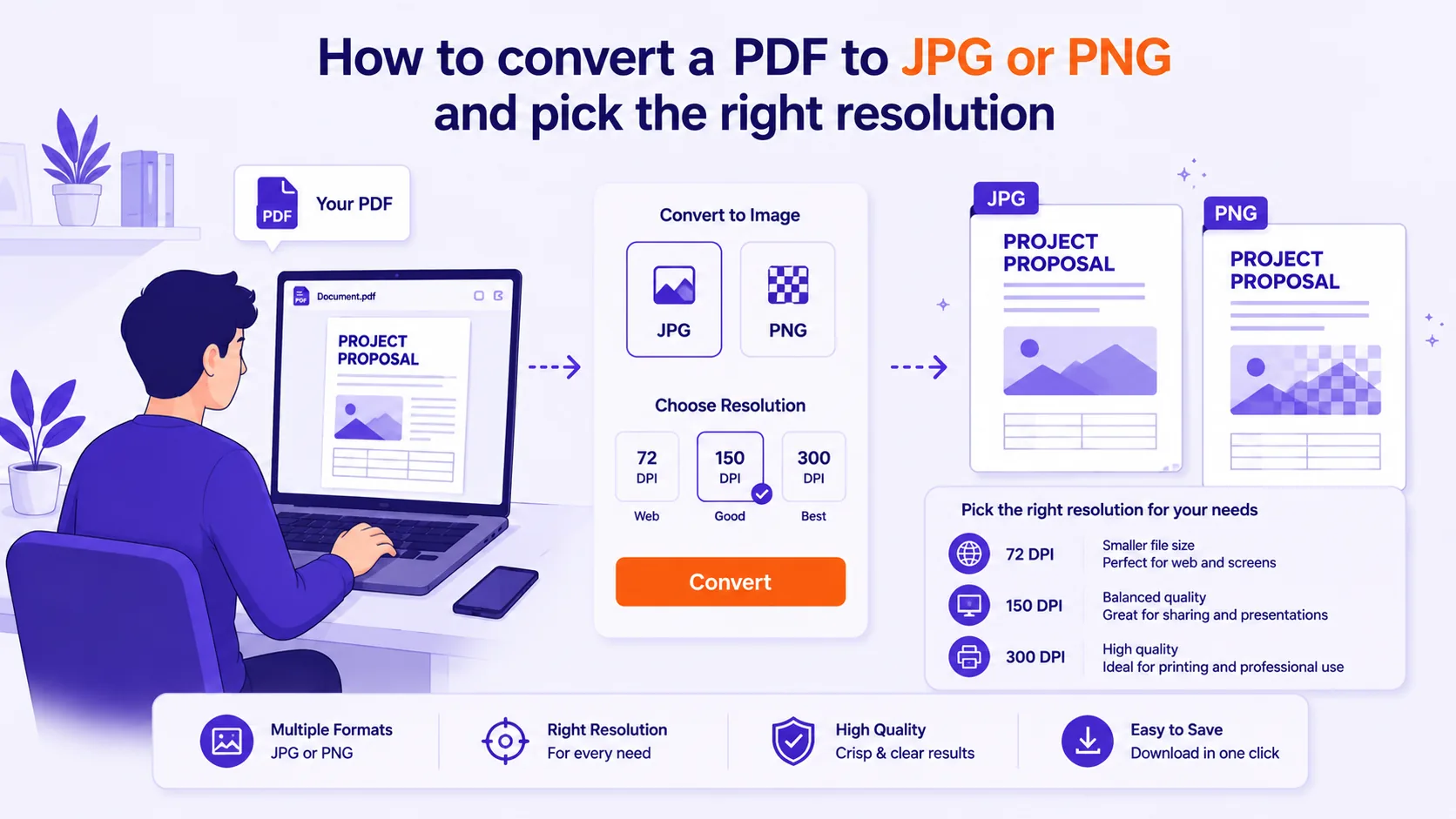
Converting a PDF page to an image is easy
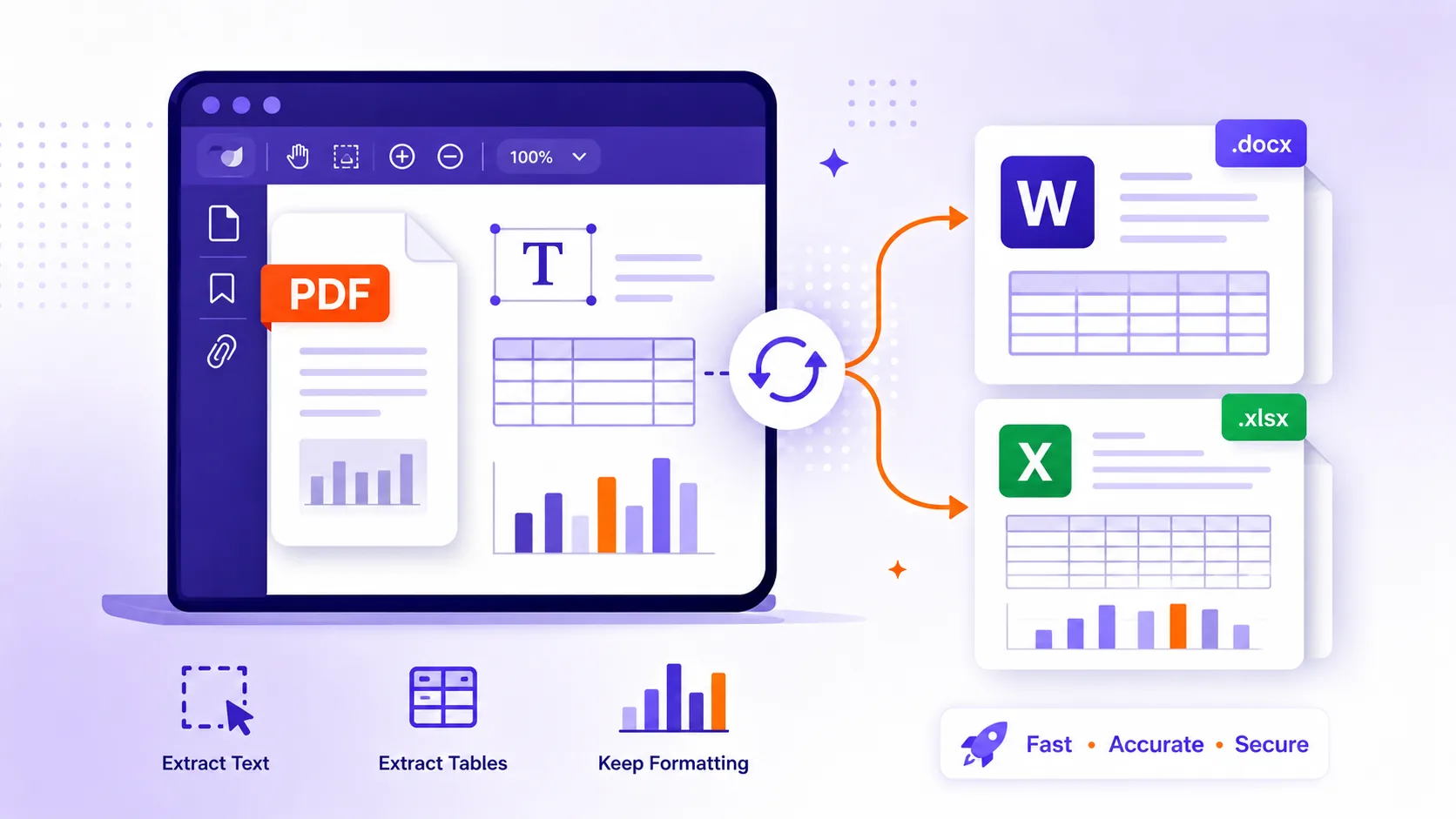
PDFs store glyph positions, not paragraphs or tables, which is why extraction produces run-together words, scrambled columns and broken spreadsheets — and how to fix each symptom.
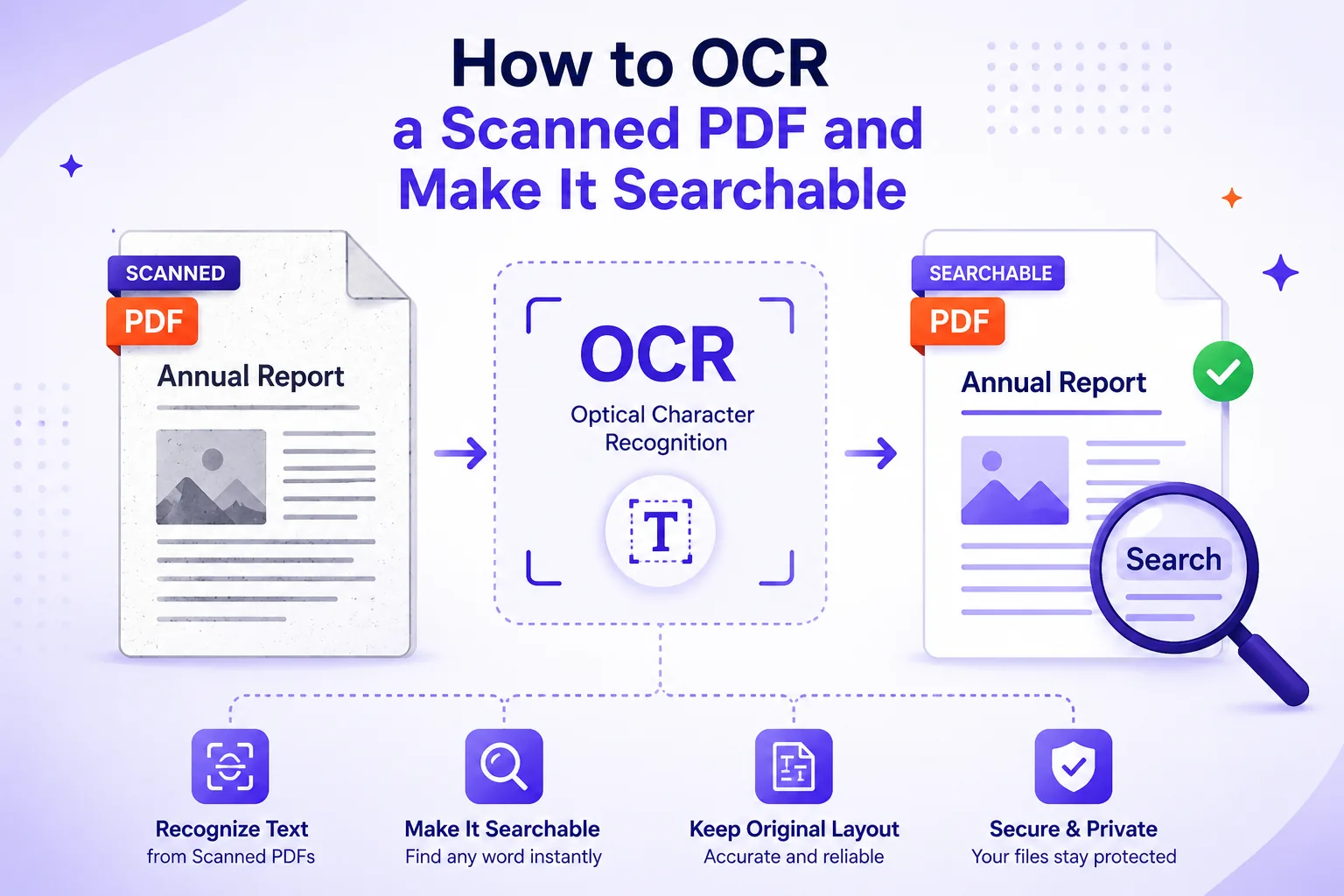
What an OCR text layer actually is, the scan defects that wreck accuracy, and how to check the result instead of trusting it.
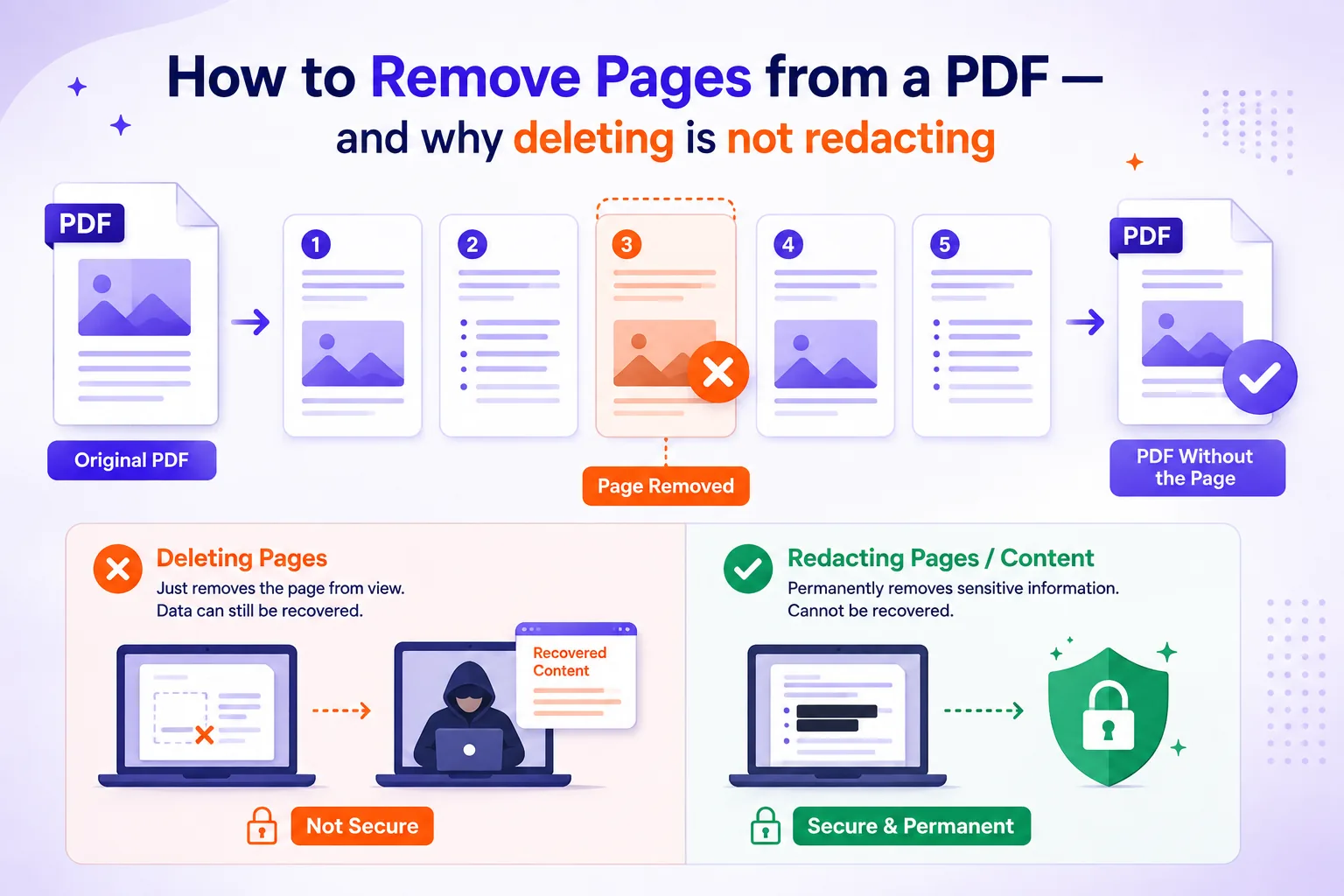
Deleting pages is a thirty-second job
Get the latest tips, tutorials, and insights delivered to your inbox weekly.
No spam, unsubscribe at any time.